GPT Image 2
GPT Image 2 is OpenAI's image generation model. In the JIUFENG workbench, create images from a text prompt, optionally with reference images, and choose an aspect ratio and 1K / 2K / 4K output.
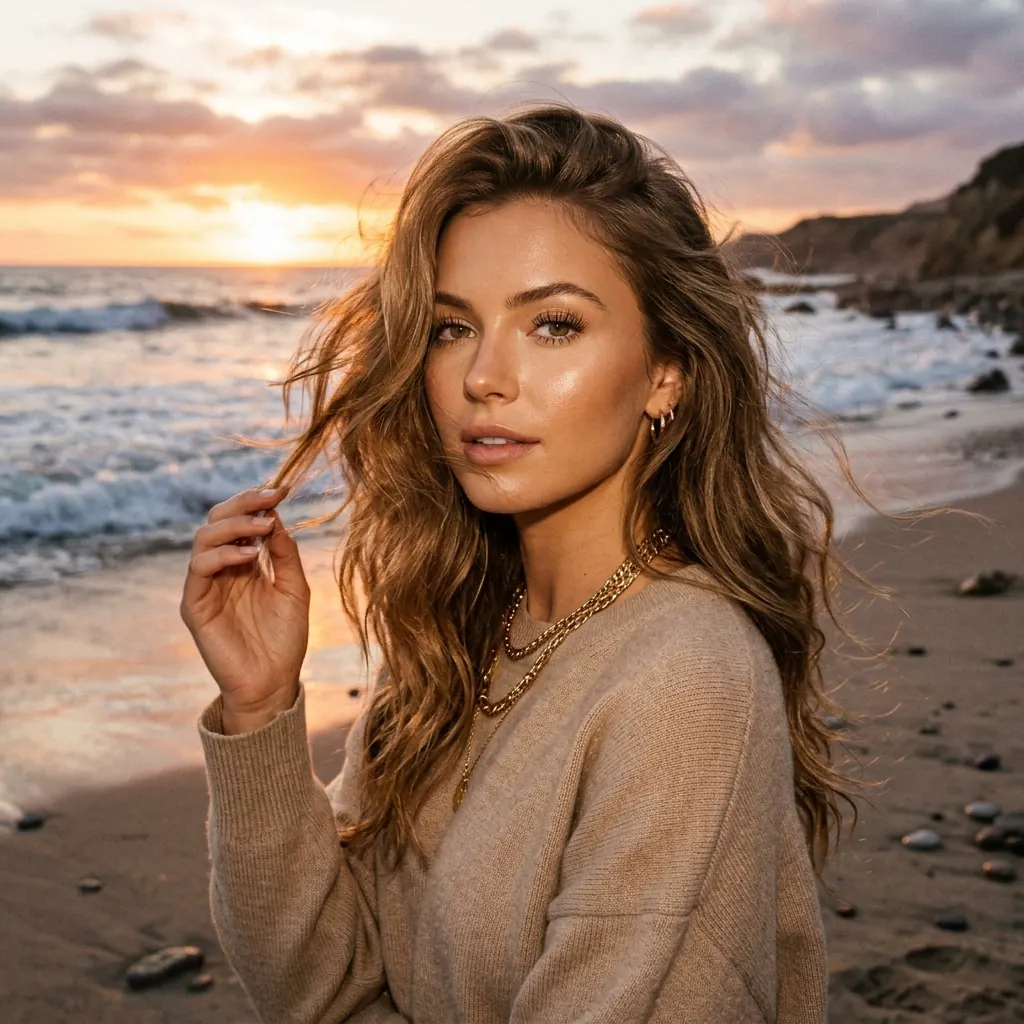
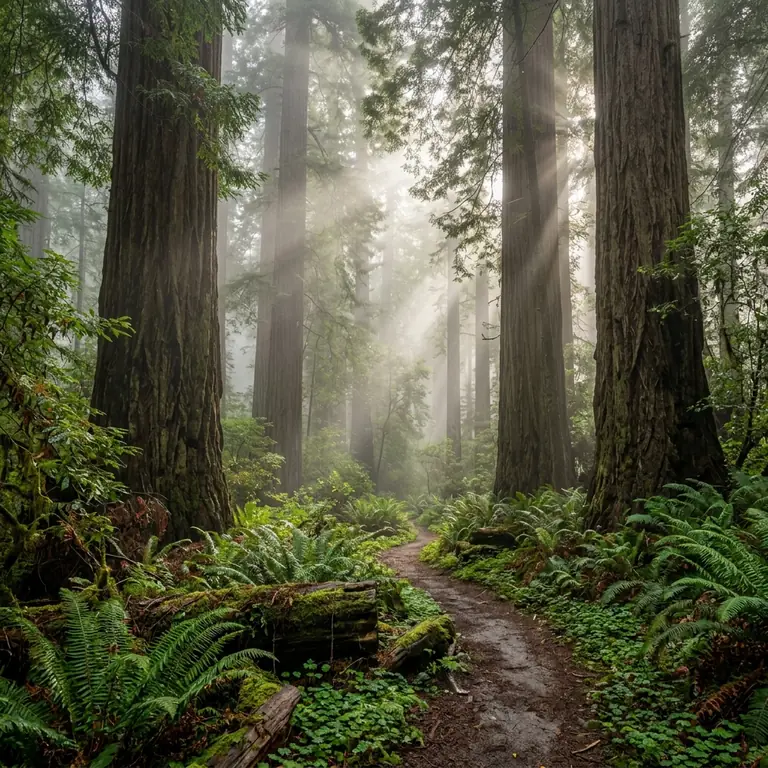
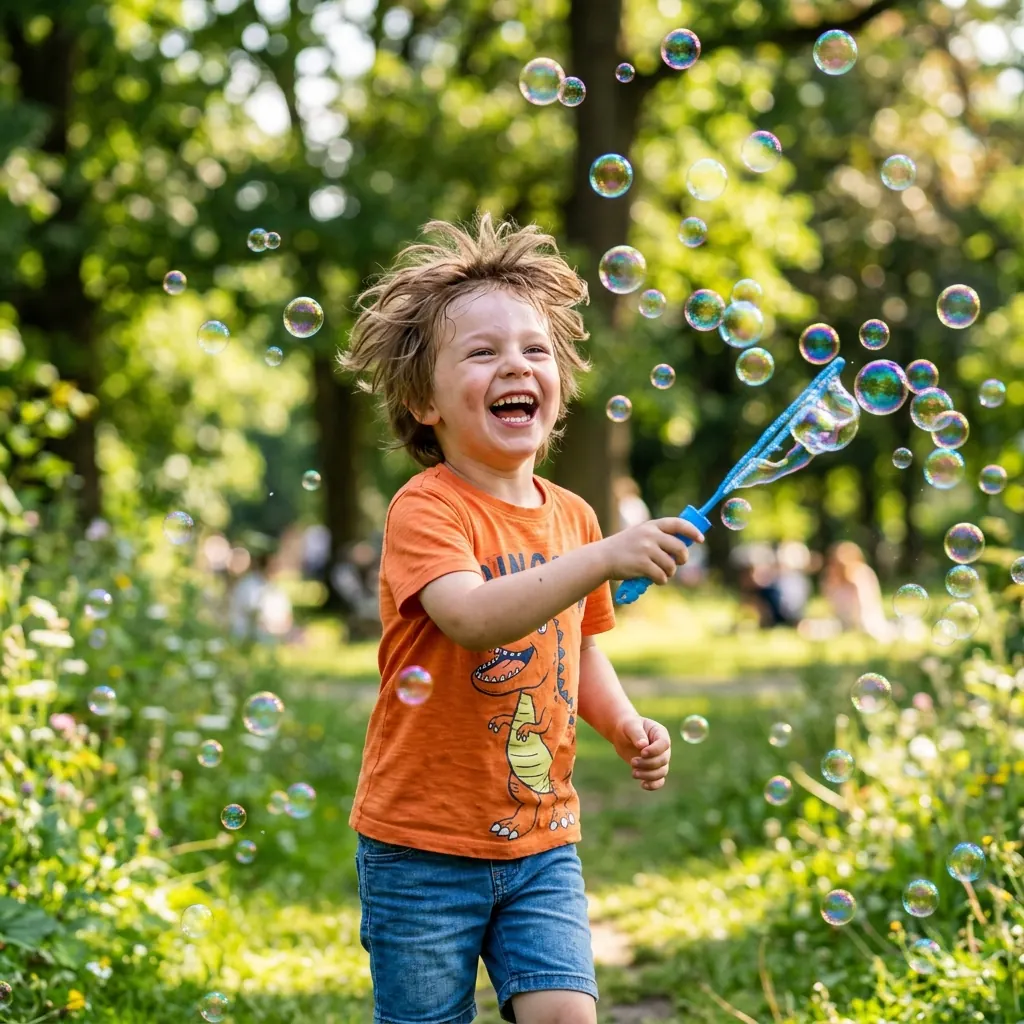
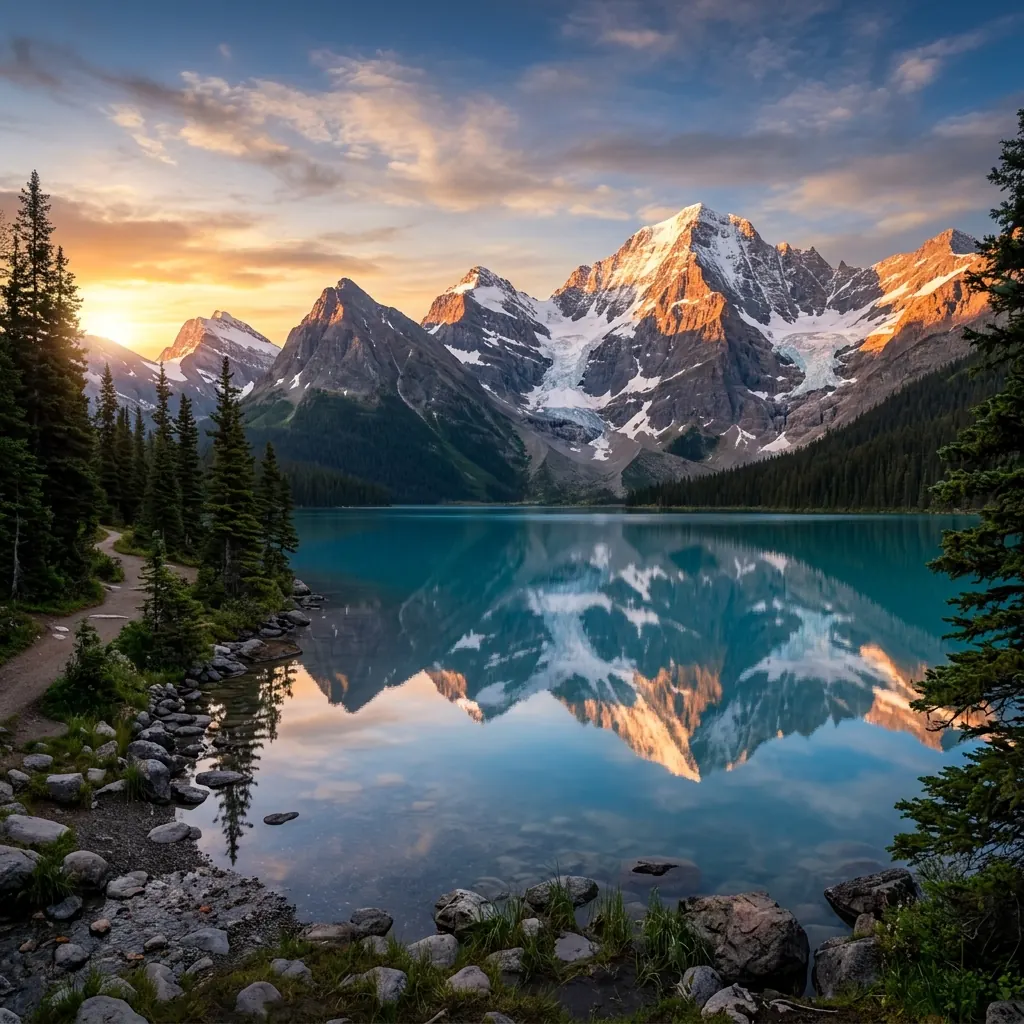
Visual inspiration: explore subjects, lighting and composition.
Model Overview
GPT Image 2 is OpenAI's image generation model, and the first one JIUFENG integrated. Describe the image you want in words, and optionally attach reference images so the model can follow the subject, style or composition in them. Everything runs in the browser — nothing to install.
It is priced by output size: the 1K / 2K / 4K tiers cost different amounts, and larger costs more. That is the opposite of GPT Image 2.5, also on the site, where all three tiers cost the same. So while you are still exploring and iterating, the lowest tier here is the cheapest way to work; once the composition and prompt are settled, decide whether to move up a tier or switch models.
Workspace Options
Prompt
Describe the subject, setting, lighting and style in words.
Reference images
Attach reference images to be used alongside the prompt as input for this generation.
Ratio and output size
Choose an aspect ratio and output tier before submitting; the tier sets the rate for this generation.
What it suits
Cheap iteration
The lowest tier is the least expensive way to generate on the site. Iterate there while the direction is unsettled, then move up once the composition and prompt are fixed.
Reference images
Attach reference images to pin down a subject, a style or a composition, used together with the prompt.
Aspect ratio
Pick an aspect ratio before submitting, or let the model infer one from your reference image.
How to generate an image
- Open the workbench with this model selected and describe the subject, setting, lighting and style. Add reference images when you want to steer the result.
- Choose an aspect ratio and output tier — this model is priced per tier, so the tier sets what the generation costs. Check the estimate before you submit.
- Sign in and submit. Review the result in the workbench, then adjust the prompt or reference images for the next run.
Getting good results
- The output tier sets the rate for the generation. Explore at a lower tier, then regenerate with the same prompt and reference images once the direction is settled.
- Naming the subject, setting, lighting and style explicitly works better than stacking adjectives.
- Choose reference images that actually convey the subject's features or the target style; you do not need to use the maximum number.
Specifications
- Input
- A text prompt, plus optional reference images — up to 15 per generation, 20MB each, as PNG / JPG / WebP, or HEIC (converted in your browser before upload).
- Aspect ratio
- 15 presets, or follow the aspect ratio of your reference image.
- Output
- 1K / 2K / 4K, chosen before you generate; rates at the top of the page.
- Failure refund
- Credits spent on a generation that fails because of a system error are returned automatically.
Use responsibly
Use JIUFENG in accordance with the Terms of Service and Acceptable Use Policy. Requests that do not meet applicable policies may be declined.