GPT Image 2.5
GPT Image 2.5 is OpenAI's image generation model. In the JIUFENG workspace, create images from a text prompt, optionally with reference images, and choose an aspect ratio and 1K / 2K / 4K output.
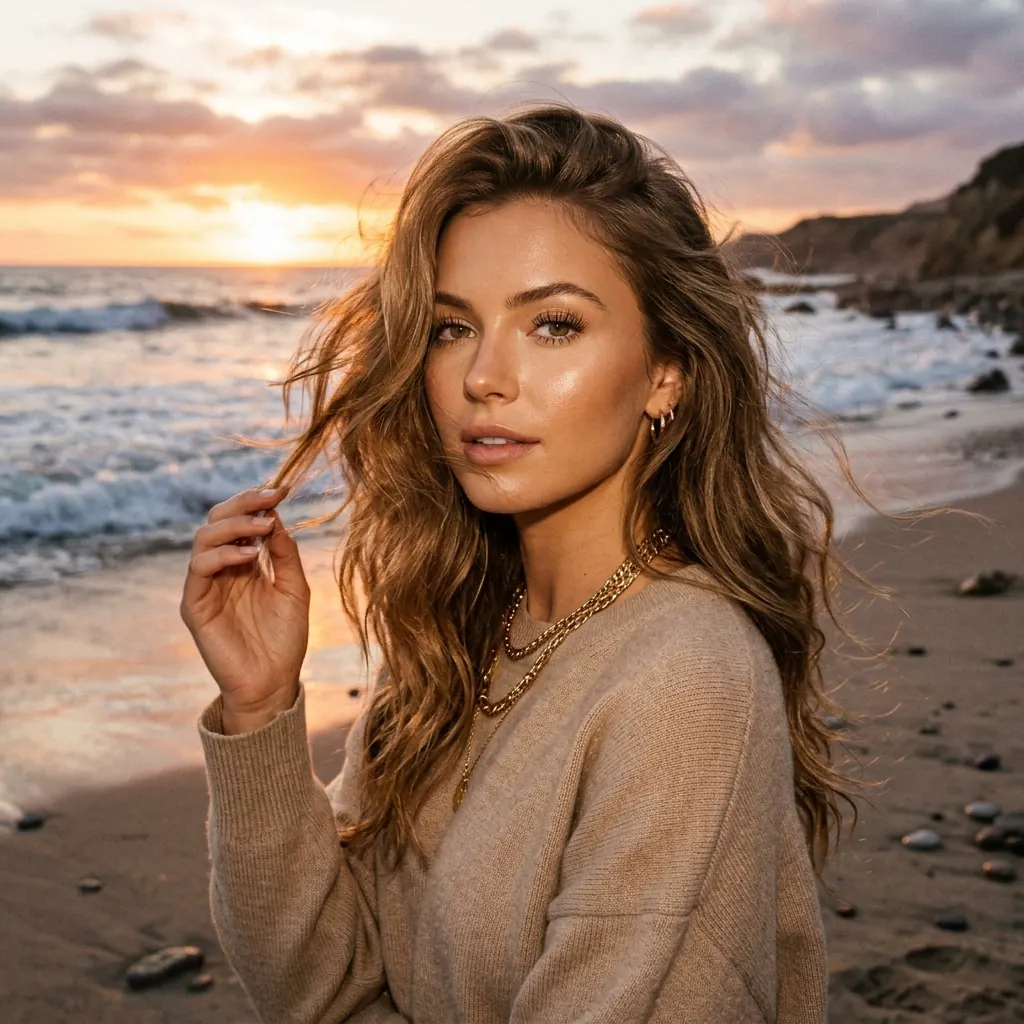
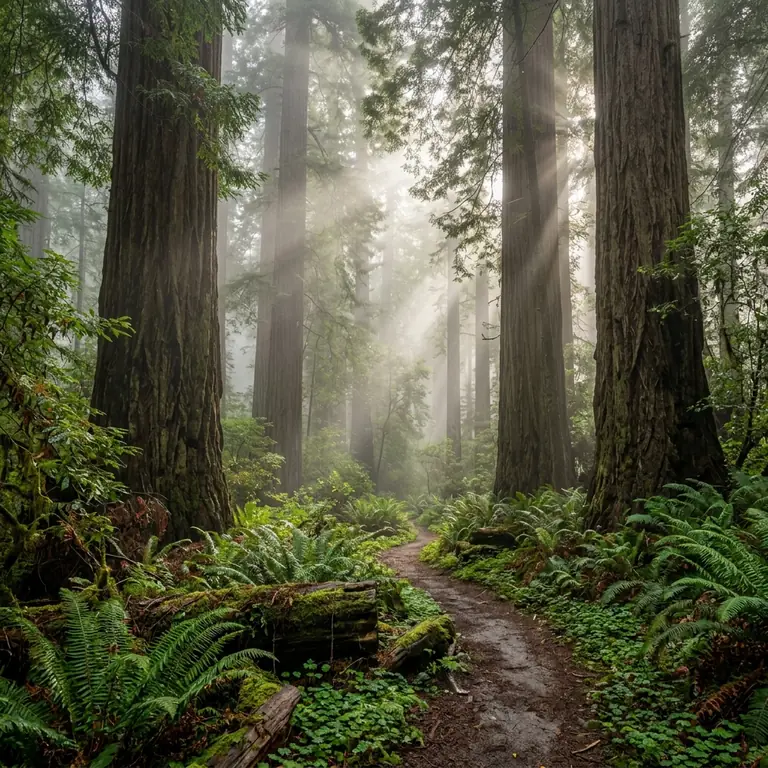
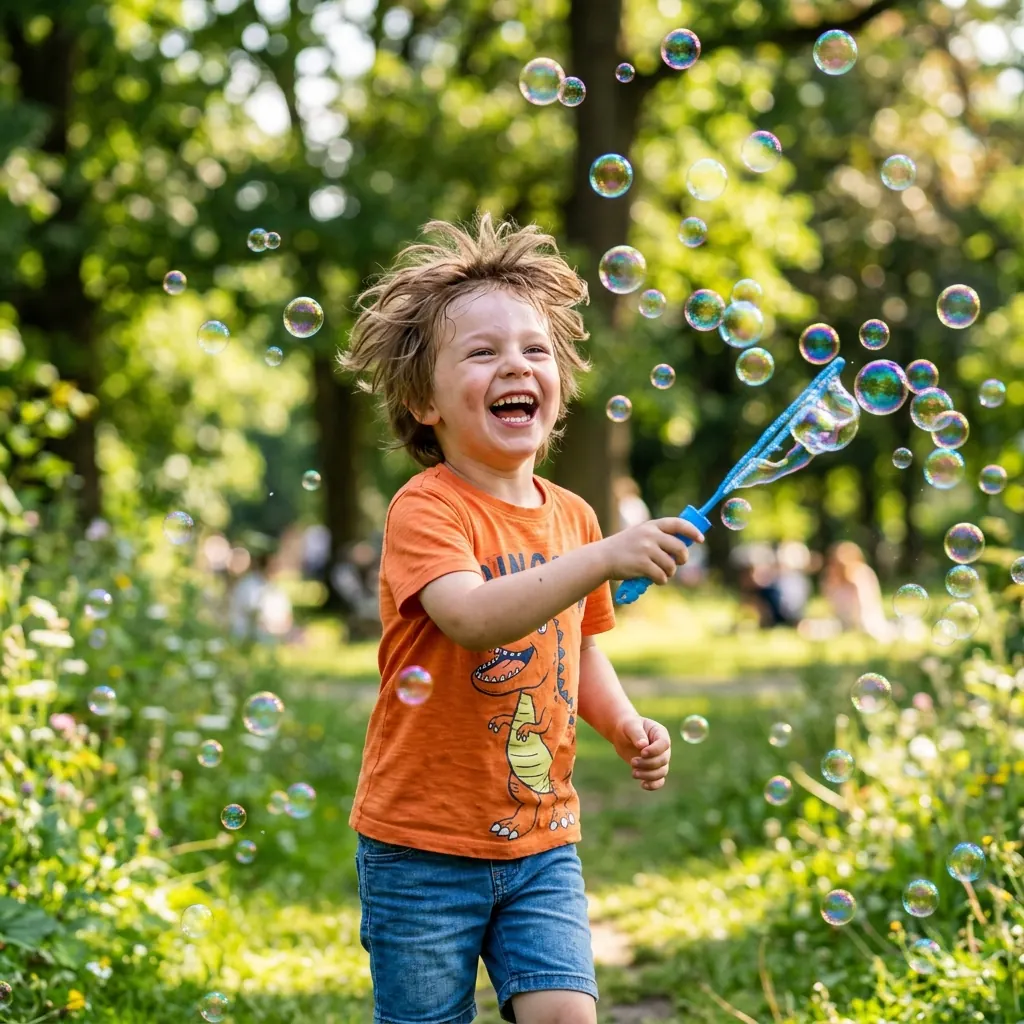
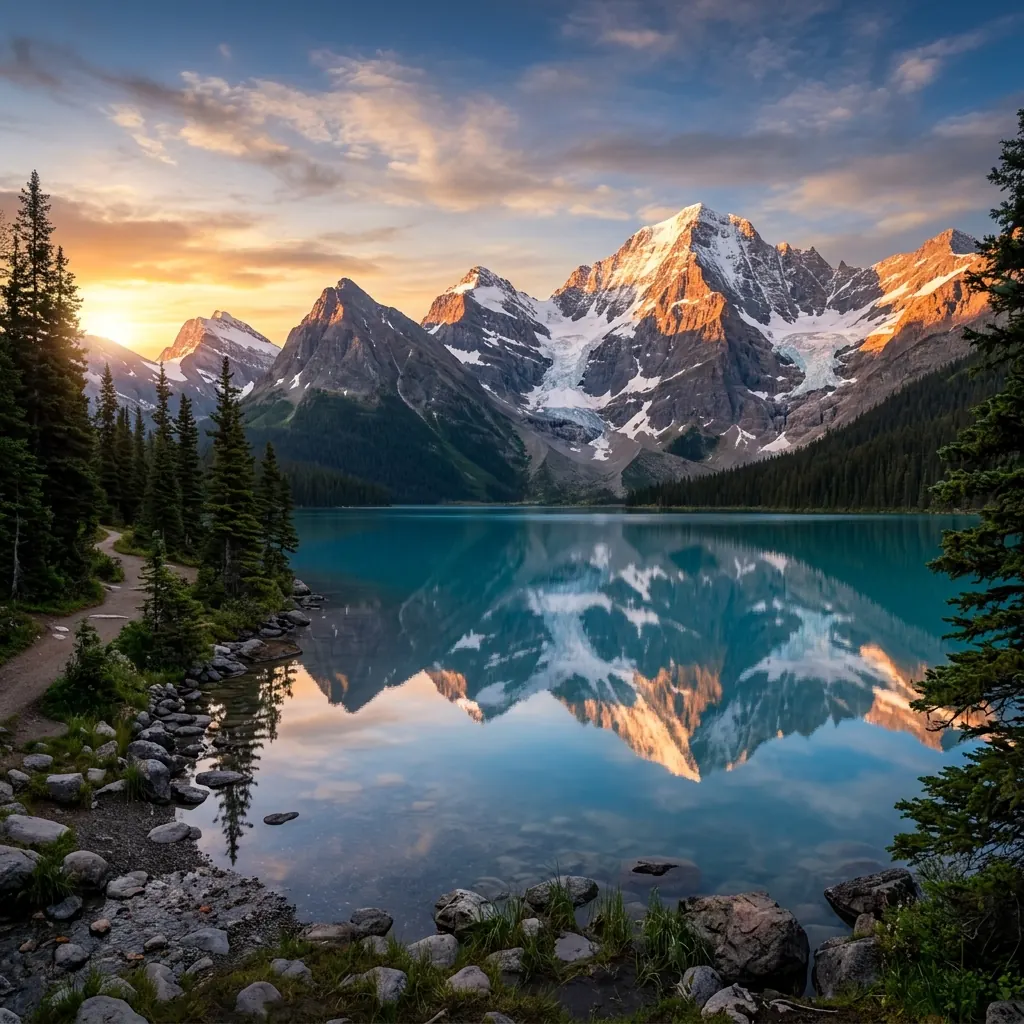
Visual inspiration: explore subjects, lighting and composition.
Model Overview
GPT Image 2.5 is the image generation model OpenAI released in September 2026. OpenAI describes it as bringing sharper detail, more precise editing and faster generation, with generation latency reduced by up to half compared with the previous version. The JIUFENG workspace exposes its image generation: describe the picture you want, and optionally attach reference images for the model to draw on for a person, a style or a composition. Everything runs in the browser, with nothing to install.
The improvements OpenAI lists fall into a few areas: more natural lighting and richer textures, better preservation of the subjects in reference photos, stronger understanding of complex visual instructions, and closer adherence to a requested visual style. The workspace exposes an aspect ratio and an output size, both chosen before you generate.
Workspace Options
Prompt
Describe the subject, setting, light and style in words.
Reference images
Optionally attach reference images as part of the input for this generation.
Aspect ratio and output size
Choose an aspect ratio and an output size before generating.
Strengths stated by OpenAI
Lighting and texture
OpenAI lists more natural lighting and richer textures among this version's improvements. Suited to backlight, refraction through water, metal and fabric, where material has to read as itself.
Subjects from reference photos
OpenAI states that this version preserves the subjects in reference photos better. Suited to placing the same person, or the same product, in different scenes.
Complex layouts and instructions
OpenAI states it understands complex visual instructions better and renders them into coherent results, and cites improved support for more involved layouts.
Adherence to a requested style
OpenAI also cites closer adherence to a requested visual style. Useful when a set of images has to stay consistent.
How to create an image
- Open the workspace with this model selected and describe your subject, setting, light and style. Add reference images if you want to guide the result.
- Choose the aspect ratio and output size, then check the estimated credits before generating.
- Sign in to submit your generation. Review the result in the workspace; refine the prompt or references for another attempt.
Getting good results
- Output size is chosen before you generate and sets the rate for the run. Explore at a lower size, then regenerate with the same prompt and references once the direction is settled.
- State the subject, setting, light and style. That gets closer to the intended result than stacking adjectives.
- Choose reference images that establish the person or the style. There is no need to use the full allowance.
Specifications
- Input
- A text prompt, plus optional reference images — up to 15 per generation, 20MB each, as PNG / JPG / WebP, or HEIC (converted in your browser before upload).
- Aspect ratio
- 15 presets, or follow the aspect ratio of your reference image.
- Output
- 1K / 2K / 4K, chosen before you generate; rates at the top of the page.
- Failure refund
- Credits spent on a generation that fails because of a system error are returned automatically.
Use responsibly
Use JIUFENG in accordance with the Terms of Service and Acceptable Use Policy. Requests that do not meet applicable policies may be declined.